We may earn a commission when you buy through links on this page.
Buyer's guide
Screen or paper: decide where your words end up
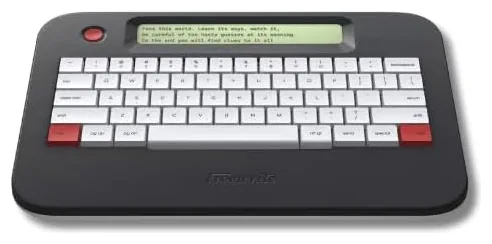
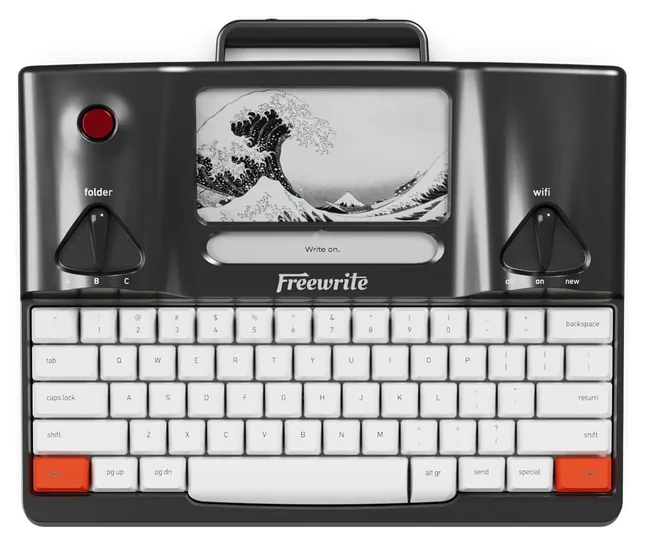
Writing machines come in two kinds. A digital typewriter, also sold as a smart typewriter, is a keyboard with a small screen that saves your words and sends them over Wi-Fi or a cable to Google Drive, Dropbox or your computer. There's no browser, no alerts and no apps, which is the point: it's a word processor device for first drafts. Laptop Mag notes that Freewrites lack cursor keys and a find tool, so plan to do your editing later on a computer.
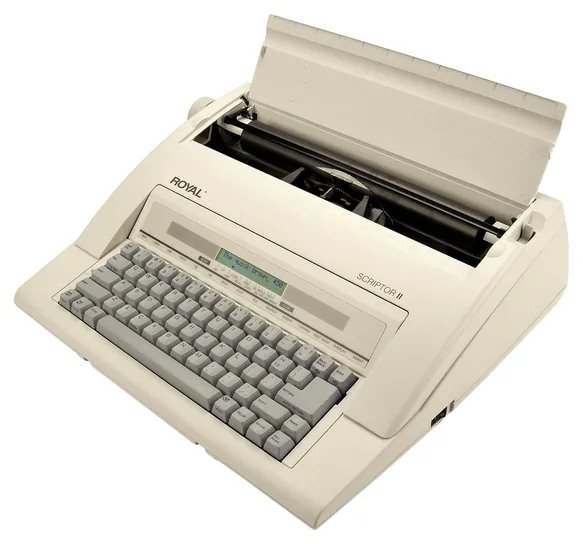
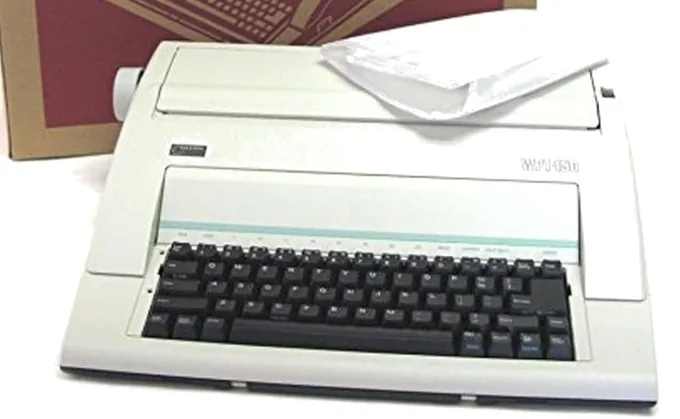
An electric typewriter prints each letter onto paper with a spinning print wheel, and the page is the only copy. Correction memory and a small screen help you fix typos, but nothing moves to a computer unless you scan or retype it. Budget for ribbon cassettes and correction tape, which run out with use. If you want the vintage feel while you write on a computer, our typewriter keyboard picks may suit you better.
E-ink or backlit, and how much you can see
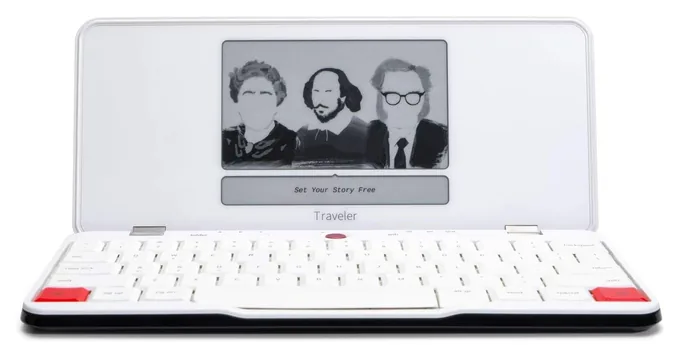
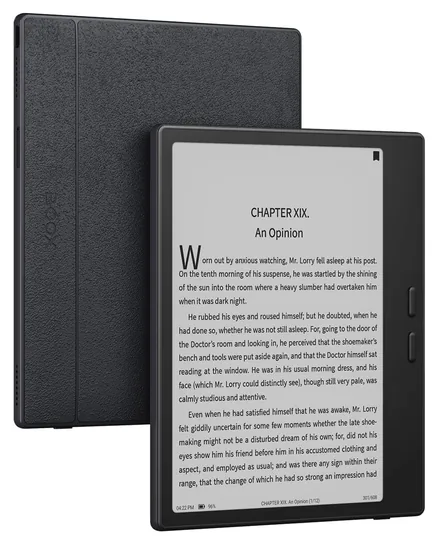
E-ink screens look like printed paper, stay readable in sunshine and use little power, so a charge can last weeks. The catch is lag: letters can appear a beat after you type, and many e-ink writers have no light for a dark room. Backlit LCD screens update instantly and work at night, though the battery runs down sooner. Battery claims vary in daily use, too: AppleInsider barely dented the Traveler's charge, while EntreResource found it ran down sooner than promised.
Check how much text fits on the screen. A short window that shows a few lines keeps you moving forward but makes rereading a chore, while a taller screen helps if you like to look back. Keys matter as well. Mechanical keys feel springy and sound like real typing, but they can be loud in a library or cafe, and laptop-style keys are quieter. Freewrite's cloud service is free for basic syncing, with a paid plan for extras.
Freewrite alternatives sold elsewhere
Several writer favorites aren't sold new on Amazon. The Pomera DM250 from Japan's King Jim folds open to a large backlit screen and sends files by USB, SD card or a QR code to your phone, though it has no cloud sync and its keys feel cramped. BYOK is a small screen box that pairs with a Bluetooth keyboard you already own. The Zerowriter Ink, an e-ink writer with a 3D-printed case, and the Micro Journal, a hobbyist build, sell in small batches. A used AlphaSmart Neo runs for months on three AA batteries. Kadavy's roundup compares several of these.
The cheapest Freewrite alternative is a tablet or e-reader plus a Bluetooth keyboard. It works with any writing app, but the web stays a tap away, so it takes willpower. If you'd rather have one machine that does everything, see our guide to laptops for writers.
Frequently asked questions
What is a digital typewriter?
A digital typewriter, sometimes called a smart typewriter, is a keyboard with a small built-in screen that only writes and saves text. It has no web browser, email or apps, so nothing competes for your attention. Most sync drafts over Wi-Fi or a cable to your computer, where you edit and format them.
Do Freewrite devices need a subscription?
No. Freewrite's Postbox web app, which stores your drafts and forwards them to Google Drive, Dropbox or OneDrive, comes free with every device. A paid Freewrite Plus plan adds extras, such as sending drafts to several email addresses, but you can write and sync without it.
Should I buy an electric typewriter or a Freewrite?
Choose by where the words need to end up. An electric typewriter gives you a typed page and nothing else, which suits letters, forms, labels and anyone who loves paper. A Freewrite saves every draft and sends it to your computer, which suits novels, articles and anything you plan to edit later.
What is a good Freewrite alternative?
An e-ink tablet, or a tablet you already own, plus a Bluetooth keyboard costs less, though apps stay a tap away. Outside Amazon, writers like the Pomera DM250, BYOK, Zerowriter Ink and Micro Journal, and a used AlphaSmart Neo runs for months on AA batteries and sends its text to a computer by USB.
Can you edit on a digital typewriter?
Only a little, by design. Freewrite devices offer page up and page down keys and shortcuts to move the cursor, but no find tool or cut and paste. The idea is to draft forward and fix everything later in a word processor. Electric typewriters with a small screen let you fix a line before it prints.
What ribbon does an electric typewriter use?
Most modern electric typewriters take a cassette of correctable film ribbon plus a spool of lift-off correction tape, both made for specific models. The Nakajima WPT-150 uses the XC001 cassette, and Royal's Scriptor models use Royal's own film ribbon and lift-off tape. Buy spares with the machine so a project doesn't stall.
Prices were checked on Amazon on November 16, 2026 and change often.
As an Amazon Associate, Speedwrite earns from qualifying purchases. We choose every pick ourselves; brands don't pay to be listed.